Plan a Calmer Week: Pomodoro, Priorities & Time Blocks
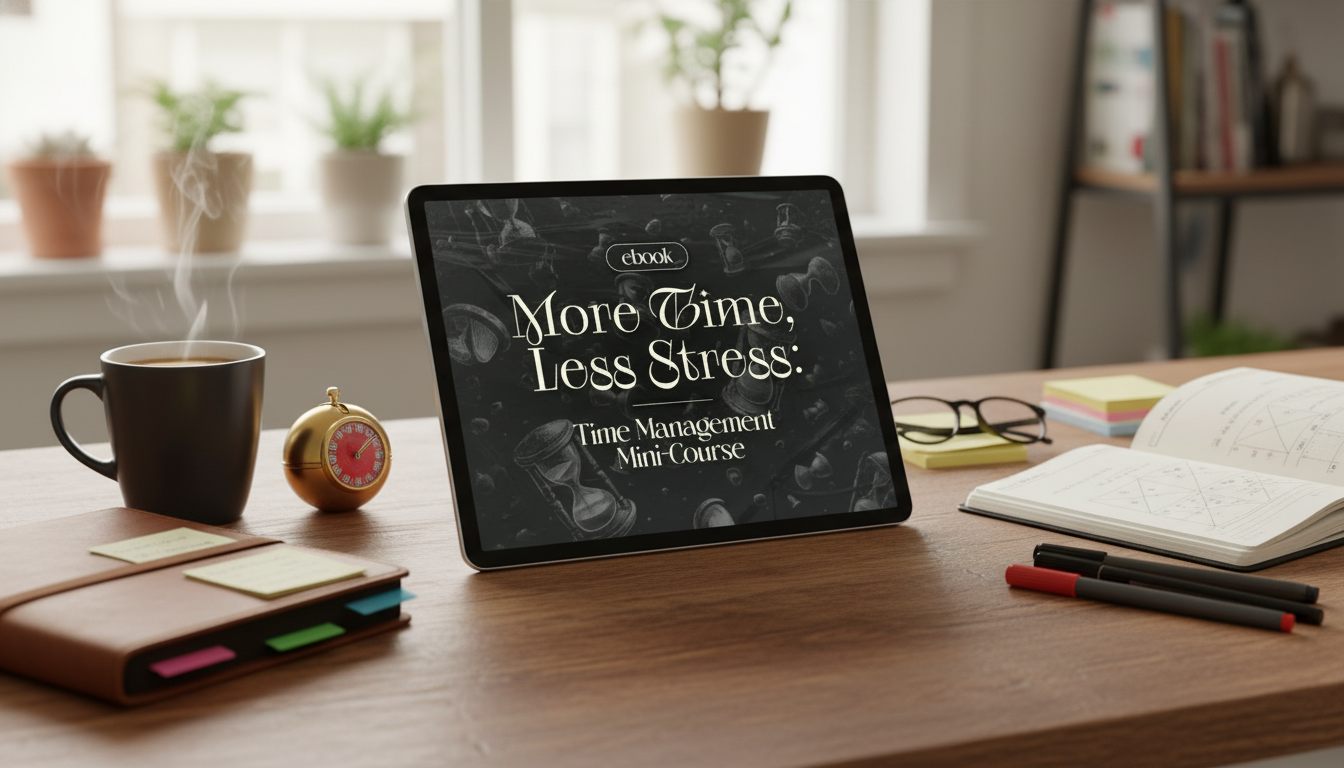
More Time, Less Stress Starts With a Clearer Week
Busy days can feel like a rapid-fire mix of pings, requests, and half-finished tasks—so by the time you sit down to focus, your brain is already tired. “More time” doesn’t usually come from working longer; it comes from reducing the hidden costs of indecision, constant switching, and carrying everything in your head. A simple, repeatable system can turn chaos into a plan: decide what matters first, protect focused work time, and build a schedule that matches real constraints.
This mini-course approach centers on three proven methods—Pomodoro sessions for focus, the Eisenhower Matrix for prioritizing, and time blocking for planning—so your day runs with less friction and fewer last-minute scrambles. If you want a deeper dive on Pomodoro fundamentals, the official Pomodoro Technique site is a helpful reference, and for a clear definition of stress, the APA Dictionary of Psychology is a solid source.
What “more time” really looks like in a normal week
- Fewer reactive decisions: priorities are decided before the day starts, so you’re not negotiating with yourself every hour.
- More deep work: focus blocks reduce multitasking and task-switching fatigue.
- Lower mental load: tasks live in a system instead of in working memory.
- Clearer boundaries: time blocks create a default “yes/no” for new requests.
- Visible progress: short work sprints make momentum easier to maintain.
The mini-course approach: three tools that work together
Each method solves a different problem, and stacking them is what reduces overwhelm: choose the right tasks, work them in focused bursts, then place them on the calendar so they actually happen.
- Pomodoro builds attention stamina by alternating focused work and short breaks.
- The Eisenhower Matrix prevents “urgent” from crowding out “important.”
- Time blocking converts priorities into a realistic schedule with protected time.
| Method | Best for | Common pitfall | Simple fix |
|---|---|---|---|
| Pomodoro | Starting and sustaining focus | Overstuffing a single sprint | Define a tiny next action before the timer starts |
| Eisenhower Matrix | Choosing what deserves attention | Treating everything as urgent | Limit “Do now” to 1–3 items per day |
| Time blocking | Making priorities real on the calendar | Packing blocks back-to-back | Add buffer blocks for spillover and admin |
Pomodoro sessions that actually reduce stress
The goal isn’t to become a timer robot—it’s to make starting easier, keep attention from drifting, and create clean stopping points so work doesn’t smear across the whole day.
- Use a consistent sprint length (25 minutes is common) and a short break (5 minutes) to reset attention.
- Pick one task per sprint; if multiple steps exist, define the next smallest step (outline, draft, reply, review).
- End each sprint with a 30-second note: what changed, what’s next, what needs help.
- Batch shallow work into separate sprints to keep deep work blocks uninterrupted.
- If interruptions are frequent, run “protected sprints” (notifications off, door sign, status set to busy) during the most important block.
Eisenhower Matrix: turning urgency into clear priorities
When everything feels urgent, you end up serving the loudest request instead of the most meaningful one. The Eisenhower Matrix brings structure by sorting tasks into four buckets: Important/Urgent, Important/Not Urgent, Not Important/Urgent, and Not Important/Not Urgent. (For background on Eisenhower’s decision-making legacy, the Eisenhower Presidential Library is an authoritative reference.)
Time blocking without overplanning
Example day template (adjust to fit real constraints)
| Time | Block | Goal |
|---|---|---|
| 9:00–9:25 | Pomodoro sprint 1 | Advance the single most important task |
| 9:25–9:35 | Break | Reset attention and posture |
| 9:35–10:00 | Pomodoro sprint 2 | Continue or complete the priority task |
| 10:00–10:30 | Admin buffer | Email/messages, quick approvals, scheduling |
| 10:30–12:00 | Deep work block | Focused creation, analysis, or project work |
| 12:00–1:00 | Lunch + recovery | Walk, food, mental reset |
| 1:00–2:00 | Meetings or collaboration | Decisions, alignment, feedback |
| 2:00–2:30 | Errands/admin | Calls, forms, small tasks batch |
| 2:30–3:30 | Important/not urgent block | Long-term progress task |
| 3:30–3:45 | Buffer | Catch-up and transitions |
| 3:45–4:15 | Shutdown block | Review, capture, plan tomorrow |
What’s inside “More Time, Less Stress”
If you want a ready-to-use framework, the More Time, Less Stress: Time Management Mini-Course – Productivity Ebook with Pomodoro, Eisenhower Matrix & Time Blocking Strategies is built specifically around this three-tool system.
A simple 7-day reset plan
When these methods struggle (and how to adapt)
Recommended add-on for building your full system
If you’re pairing daily execution with longer-range routines (weekly reviews, goal setting, and habit design), The Ultimate Productivity Blueprint | Digital Productivity Guide for Goal Setting, Time Management & Daily Routines can complement the mini-course by helping you connect today’s blocks to bigger outcomes.
FAQ
How long does it take to see results from Pomodoro and time blocking?
Many people notice improvement within a few days if they protect 1–2 priority blocks and keep the plan simple. Consistency tends to strengthen over 2–4 weeks; start with 2–4 sprints per day and add buffers so the schedule can absorb real-life interruptions.
What if everything feels urgent in the Eisenhower Matrix?
Use constraints: cap the Important/Urgent list to 1–3 items, define real consequences, and move the rest into Important/Not Urgent with a scheduled block. For Not Important/Urgent items, batch them into a small admin window or delegate when possible.
Do these methods work if the schedule changes daily?
Yes—use anchor blocks (start-of-day, a midday reset, and a shutdown block), plus a “minimum viable day” plan that still protects one priority. Keep blocks shorter and re-block quickly when plans change instead of trying to maintain a rigid hour-by-hour schedule.












Leave a comment