15W Magnetic Wireless Car Charger Mount for iPhone 16–13
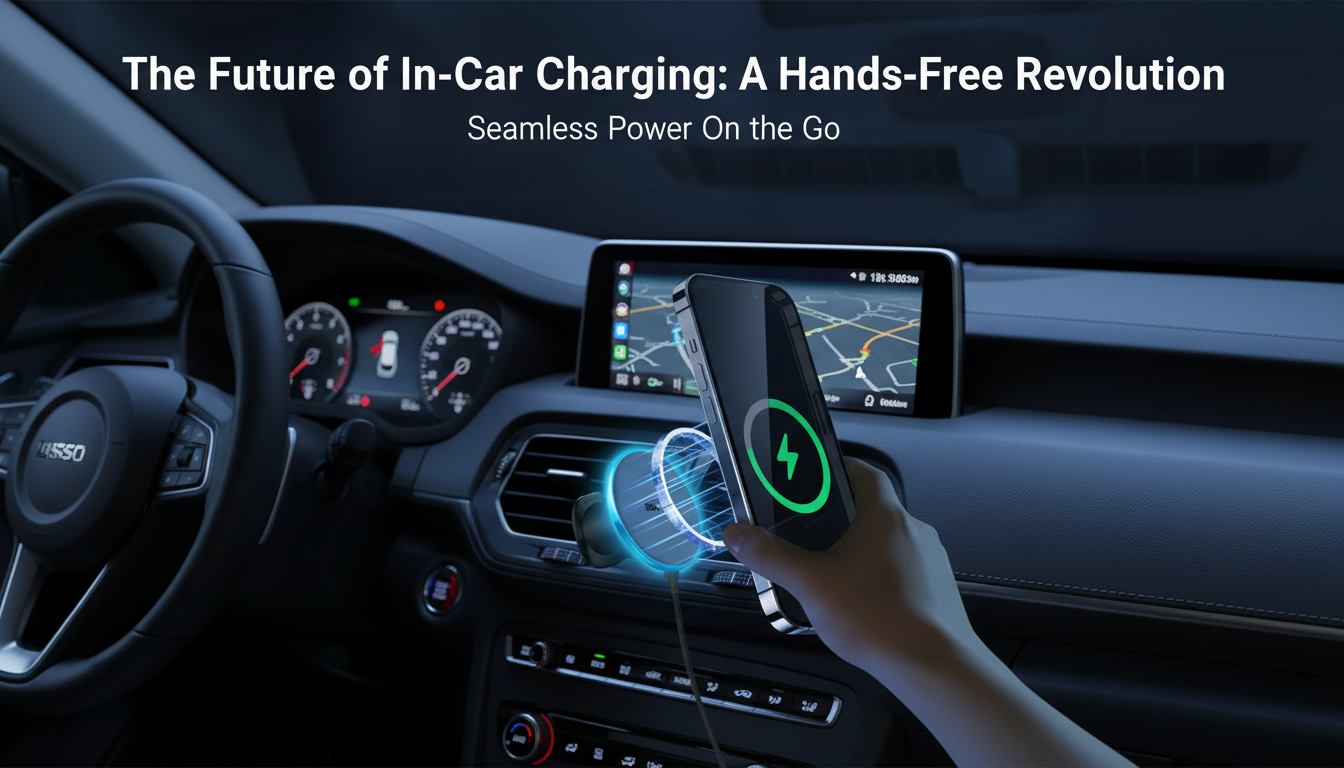
Magnetic 15W Wireless Car Charger & Phone Mount for iPhone 16–13: a cleaner, steadier drive
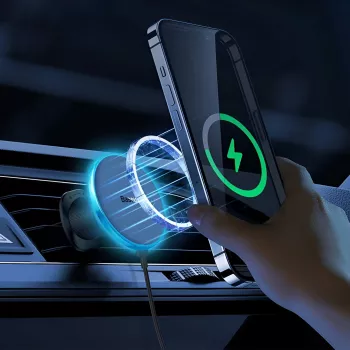
A magnetic wireless car charger mount keeps an iPhone visible for navigation while delivering convenient power on the road. Instead of fumbling with spring clamps or hunting for a cable at every stoplight, a MagSafe-style magnetic mount creates a reliable “drop zone” for your phone—attach, drive, detach. Below is a practical guide to choosing the right setup, mounting it securely, and keeping charging stable without overheating or constant disconnects.
What this magnetic wireless charger mount solves in the car
- Holds the phone at eye level for maps, calls, and music controls without wrestling with clamps.
- Reduces cable clutter by charging while mounted—especially handy for short, frequent drives.
- Supports quick one-handed attach/detach when running errands, commuting, or ridesharing.
- Keeps the phone from sliding around the console during turns and braking.
- Creates a consistent “home position” for the phone, helping keep attention where it belongs: on the road.
For safe driving reminders and best practices, review the guidance on distracted driving from NHTSA.
Key features to prioritize
- Magnetic alignment: Stronger magnets help the phone stay put over bumps, while proper alignment improves charging stability.
- 15W wireless output: Great for topping up during navigation; real-world speed varies by iPhone model, temperature, and the power adapter you use.
- Vent/dashboard placement: Pick a spot that keeps a clear view without blocking controls and allows airflow when needed.
- Adjustability: Tilt and swivel make it easy to set a comfortable angle in portrait or landscape.
- Cooling and heat management: Wireless charging produces heat; better heat dispersion helps maintain steady charging.
- Build and grip: The mount should stay secure under vibration and avoid sagging over time.
iPhone and case compatibility (MagSafe, magnetic rings, and what to avoid)
Magnetic wireless charging works best when the charging coil and magnets line up consistently. Apple’s overview of MagSafe accessories is a helpful reference point: Apple Support — Use MagSafe accessories with iPhone.
- MagSafe iPhones and MagSafe cases: This is the most reliable combo for both holding power and charging consistency.
- Non-MagSafe cases: These can work if you add a properly placed magnetic ring, but thick cases often reduce efficiency and can increase heat.
- Avoid metal plates: Metal between the phone and charger can interfere with wireless charging and may add heat.
- Remove wallet accessories: A MagSafe wallet can shift alignment and trap heat; take it off during charging for better results.
- Watch the camera bump: If the phone can’t sit flat against the charging surface, you may see intermittent charging—re-seat it until it “locks” into alignment.
For more on wireless charging standards, see the Wireless Power Consortium (Qi).
Where to mount it: vent vs dashboard vs windshield
- Vent mount: Often the coolest option because A/C airflow helps reduce heat during navigation. It can be less stable on weak or sharply angled vent slats.
- Dashboard mount: Typically more stable and less dependent on vent design. Make sure adhesives are rated for high cabin temps and textured surfaces.
- Windshield mount: Can be very stable but may obstruct sightlines or be restricted in some regions. Direct sun can also raise device temperature and slow charging.
Placement rule of thumb: Keep the phone within an easy glance (not a head-turn), and avoid blocking airbags or important controls.
Power setup for consistent wireless charging
- Use a quality car adapter: Weak adapters can trigger slow charging or repeated connect/disconnect cycles that feel like “flickering” power.
- Prefer USB-C PD when supported: A reputable PD car charger is a common path to stable input power.
- Choose a short, durable cable: Long or thin cables can cause voltage drop, especially in hot cabins.
- Troubleshoot logically: If charging is inconsistent, test a different adapter and cable before blaming the mount.
Everyday use tips (navigation, calls, and heat control)
At-a-glance specs and fit
Quick comparison: what to check before buying
| Item to check | Why it matters | Quick guidance |
|---|---|---|
| iPhone model range | Ensures correct magnetic alignment and physical fit | Confirm iPhone 16–13 compatibility |
| Case type | Thick or non-magnetic cases can weaken hold and slow charging | Prefer MagSafe cases or add a magnetic ring |
| Car power adapter | Insufficient power causes slow or unstable charging | Use a reputable, high-output adapter |
| Mount location | Affects visibility, cooling, and stability | Vent for cooling; dashboard for stability |
| Heat exposure | High temps can reduce charging speed | Avoid direct sun; use A/C airflow |
Common issues and quick fixes
Products in stock
- Magnetic 15W Wireless Car Charger & Phone Mount for iPhone 16–13 ($34.01) — magnetic mounting plus wireless power for a faster, cleaner routine getting in and out of the car.
- The Ultimate Productivity Blueprint | Digital Productivity Guide for Goal Setting, Time Management & Daily Routines ($14.99) — a simple way to plan commutes, errands, and travel days so time in the car stays more organized.
FAQ
Will a magnetic wireless car charger mount work with a non‑MagSafe iPhone case?
Yes, but MagSafe-compatible cases usually work best. With a non-MagSafe case, a properly placed magnetic ring can improve hold and alignment, while very thick cases or metal plates can reduce charging efficiency and stability.
Why does wireless charging slow down or stop in the car?
The most common causes are a weak car adapter, a poor/long cable, misalignment on the magnet, or overheating from sun and high screen brightness. Try a stronger adapter, a shorter cable, and re-center the phone; if it’s hot, add A/C airflow or move it out of direct sunlight.
Is 15W wireless charging safe for iPhone during navigation?
Yes—iPhone manages charging and temperature automatically. To keep charging steady during navigation, reduce heat by lowering brightness, avoiding direct sun, and using vent airflow when the phone warms up.









Leave a comment