Travel Security & Scam Awareness: Digital Safety Checklist
Travel Security & Scam Awareness: Digital Safety for Tourists, Solo Travelers, and Business Trips
Travel security is a mix of street smarts and digital discipline. The biggest losses often come from small lapses—an unlocked phone on a café table, a rushed tap-to-pay on an unknown terminal, or “helpful” strangers steering a traveler toward an overpriced service. The goal is simple: assume something could go missing, then set things up so the loss doesn’t turn into account takeover, identity theft, or a work incident. For destination advisories and local updates, check the U.S. Department of State — International Travel.
Start with a risk plan (without overcomplicating it)
Before packing gear, decide what you’re actually protecting. For most travelers, the critical items are a passport, phone, cards, and access to key accounts (email, banking, cloud storage). A realistic plan assumes one item may be stolen—and focuses on preventing a chain reaction.
- Define what matters most: passport/ID, phone, cards, work laptop, and account access.
- Set a “maximum loss” mindset: prepare so one stolen device doesn’t unlock everything else.
- Create a quick-response list: bank numbers, mobile carrier, employer security contact, embassy info, and device serial numbers.
- Choose a carry strategy: split essentials (one card + some cash on-body, backups stored separately), and avoid keeping all access in one bag.
Pre-trip digital safety checklist (30 minutes that prevents days of damage)
Most travel “hacks” are really pre-trip settings. Do these once, then travel with less anxiety.
- Update devices and apps; enable automatic security updates when available.
- Turn on strong screen locks (PIN preferred), device encryption, and biometric unlock as a convenience layer (not the only lock).
- Enable “Find My”/device locator and test remote lock and remote wipe options before traveling.
- Use a password manager and unique passwords; add multi-factor authentication (MFA) to email, banking, and cloud storage.
- Back up photos and critical files; keep offline copies of key documents (passport ID page, visas, insurance) in encrypted storage.
- Harden email first: if email is compromised, everything else can be reset by an attacker.
- For business trips: separate work and personal accounts; avoid logging into work systems from shared devices or public kiosks.
For scam reporting and identity theft basics, the Federal Trade Commission (FTC) — Scams and Identity Theft is a solid reference.
Common travel scams and the tells that expose them
Scams vary by country, but the mechanics repeat: urgency, confusion, and forced shortcuts. Watch for crowding, insistence on “help,” and anything that pushes a fast decision.
- Distraction theft: a commotion while an accomplice grabs a phone, wallet, or bag—especially in crowds or transit hubs.
- Overhelpful “fixers”: unsolicited assistance at ATMs, ticket machines, or transit gates; legitimate staff rarely insist on handling your card or phone.
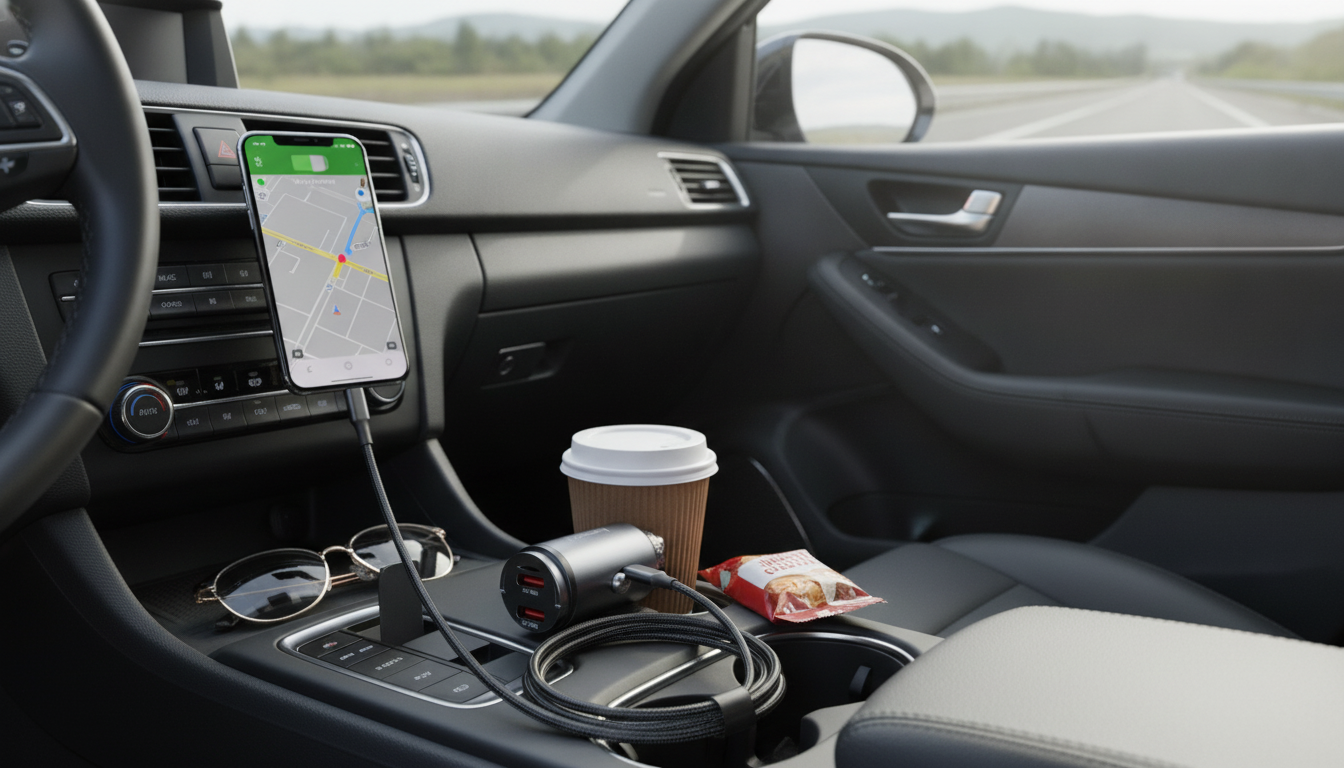
- Fake Wi‑Fi and “free charging” traps: networks that mimic café/hotel names and USB ports that can be used for data access.
- QR code traps: a posted QR covering a legitimate one—verify the URL before paying or signing in.
- Card skimming and tampered terminals: loose card slots, suspicious overlays, or pressure to swipe instead of tap/insert.
- Ride and taxi manipulation: refusal to use the meter, detours, or “card machine broken” tactics.
Fast scam recognition: what’s happening and what to do
| Situation | Red flags | Safer move |
|---|---|---|
| ATM help offered by a stranger | Standing too close, reaching toward keypad/card slot, insisting it’s “stuck” | Cancel transaction, cover keypad, use a different ATM inside a bank, decline help |
| Public Wi‑Fi asks to install a certificate/app | Unusual prompts, misspelled network name, forced download | Disconnect, use cellular/hotspot, never install profiles from public networks |
| QR code for payment/parking | Sticker overlay, shortened or odd URL, redirects to login page | Use official app/site manually, check domain carefully, avoid logging in |
| Taxi fare dispute | No meter, sudden “fees,” cash-only pressure | Use reputable ride apps, confirm fare rules beforehand, document license/driver info |
| “Friendly” stranger guides to a shop/ATM | Urgency, isolation, change of route, insists on one location | Stay in public areas, decline firmly, return to main streets or staffed venues |
Phone, laptop, and data safety while moving
Your phone is both your map and your wallet—so protect it like a passport.
Payments that reduce fraud risk
Solo traveler safety routines that don’t look paranoid
Business trip security: protect work and reputation
If something goes wrong: a calm 15-minute response plan
A compact handbook for the trip: what to carry and what to leave
Recommended digital guides for safer, smoother travel
- Travel Security & Scam Awareness Guide | Digital Safety Handbook for Tourists, Solo Travelers & Business Trips ($10.99)
- The Ultimate Productivity Blueprint | Digital Productivity Guide for Goal Setting, Time Management & Daily Routines ($14.99)
FAQ
Is public Wi‑Fi safe to use while traveling?
It can be risky, especially on open networks where traffic may be intercepted. Use a VPN, turn off auto-join, and avoid logging into banking or sensitive work systems on public Wi‑Fi—use a hotspot or cellular data instead.
What should be done first if a phone is stolen abroad?
Lock and locate the device immediately (and remote-wipe if theft is likely), then contact your carrier to block the SIM/eSIM. Next, secure your email account first, revoke active sessions, and change passwords for critical services before notifying banks.
How can solo travelers avoid being targeted without drawing attention?
Reduce visible confusion (step aside to check maps), keep valuables secured and out of sight, and use a brief “pause before you comply” when approached with urgency. Vary routines slightly and stay in well-lit, staffed areas without acting fearful.










Leave a comment